
What it does
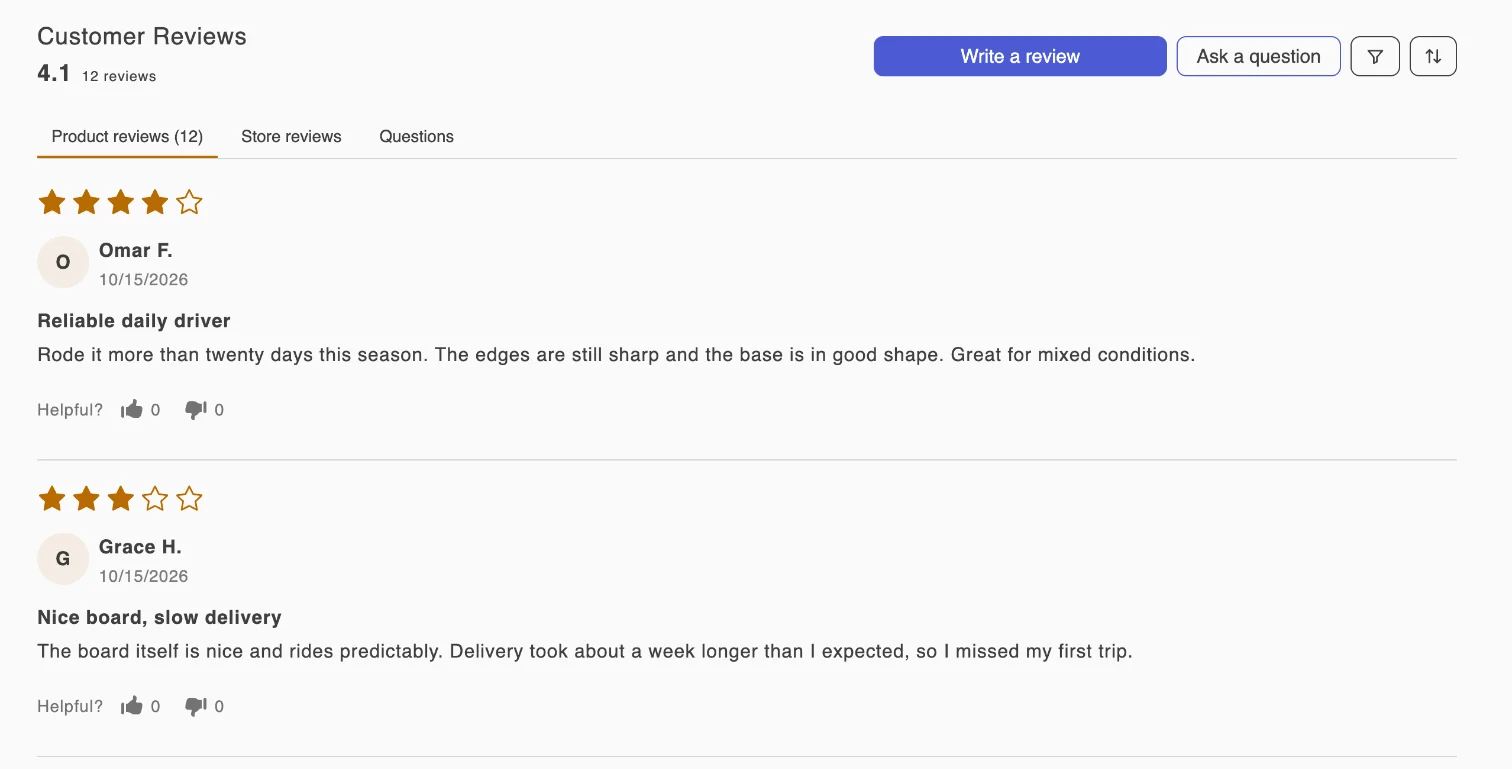
One form for products and the store
- Shoppers choose a rating from one to five stars, add a title and a written review, and leave their name and email.
- Store reviews are collected separately from product reviews and appear in their own tab in the review widget and on the all-reviews page.
- Reviews tied to an order can show a verified buyer label. You can hide the label in Settings › Collection flow.
- You decide whether written feedback is required or a star rating on its own is accepted.
- Every review lands in the Reviews inbox with its source, so storefront, requested and imported reviews stay easy to tell apart.
Set it up
From install to the first review
- 01
Turn on the app embed
In the theme editor, open App embeds and switch on Sofcy Reviews. The setup guide on the app's Home page has a button that opens this screen.
- 02
Add the Review widget block
Add the Review widget to your product template, usually below the product description. It carries the Write a review button.
- 03
Choose collection rules
In Settings › Collection flow, decide whether written feedback is required, whether photos and videos are allowed, and whether verified buyer status is shown.
- 04
Submit a test review
Write a review on a live product page and confirm it appears in Reviews with the status you expect.
Plan
Included in Forever Free. Compare plans.
Built for Shopify
Start collecting reviews on the free plan.
Forever Free has no review limits. Awesome adds Q&A answers, custom emails, coupons and Google Shopping, with a 15-day free trial.